Mobile-First Design: Why Over 60% of Your Visitors Are on a Phone
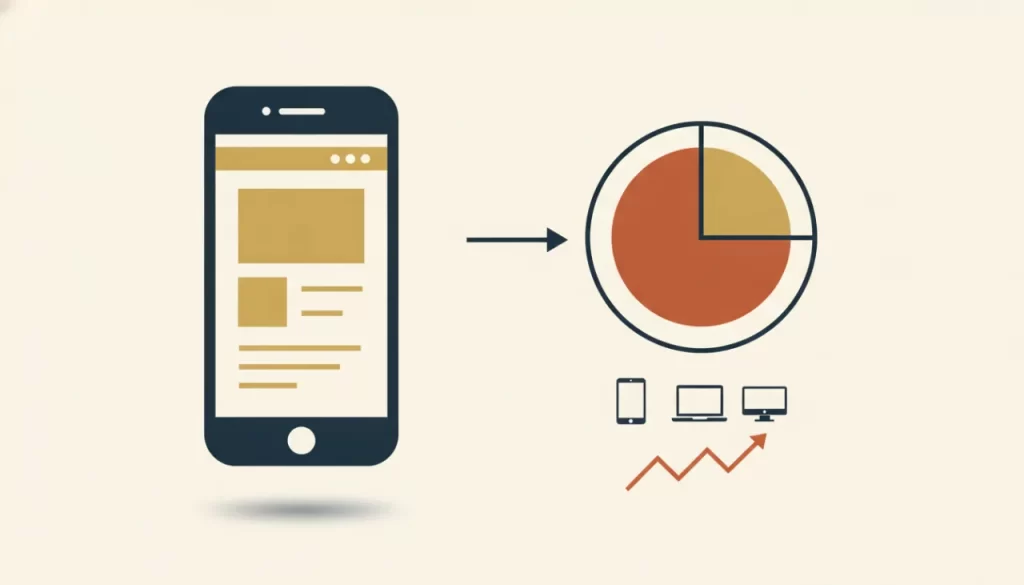
Here’s a number worth sitting with: across most local service business categories, more than half of all website traffic comes from mobile devices. For categories like emergency home services, restaurants, and healthcare, that share is often closer to 70–80%. The person searching “AC repair near me” at 3pm on a Wednesday is almost certainly on their phone, in their hot house, looking for a number they can tap to call right now.
If your website is built desktop-first and adapted for mobile as an afterthought, you are failing the majority of your visitors before they ever see your services.
Responsive vs. Mobile-First: What’s the Difference?
“Responsive” means your website adjusts its layout to fit different screen sizes. This is table stakes — every professionally built website in 2026 should be responsive. Mobile-first is a different and higher standard. It means the design process starts with the smallest screen and works outward, rather than starting on desktop and shrinking down.
The practical difference: a desktop-first responsive site often shrinks desktop layouts in ways that work technically but create a poor user experience on mobile. Text gets too small. Buttons stack awkwardly. Navigation menus become finger traps. A mobile-first approach solves these problems by design rather than as a patch.
Why Google Uses Mobile-First Indexing
Google switched to mobile-first indexing, which means Google’s crawlers now primarily use the mobile version of your site to determine rankings — for all searches, including desktop. If your mobile site has less content than your desktop version, broken elements, or slow load times on a phone, your rankings will reflect that. Your mobile site is your site, as far as Google is concerned.
What a Poor Mobile Experience Actually Costs You
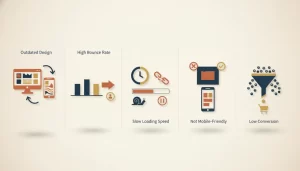
Mobile users who hit a site that’s difficult to use on their phone leave within seconds. That’s a bounced visitor who will find your competitor in the next tap. For local businesses, those bounced visitors are real missed calls and missed revenue — not abstract metrics.
Specific mobile failures that drive visitors away:
- Tiny tap targets: Buttons and links that are too small or too close together to tap accurately. Hitting the wrong link is infuriating.
- Text that requires zooming: If users have to pinch and zoom to read your content, your font sizes or line lengths are wrong for mobile.
- Slow image loading: Full-resolution images served to a phone tank both load time and user experience. Images should be sized and compressed for mobile.
- Cluttered navigation: A 10-item horizontal nav menu becomes an unusable mess on a small screen. Mobile menus need to be clean, with the phone number and primary CTA immediately visible.
- Pop-ups that cover the screen: Google specifically penalizes intrusive interstitials on mobile that appear immediately on page load.
A Quick Mobile Self-Audit
Pull out your phone right now and visit your own website. Ask yourself:
- Is my phone number visible above the scroll, and can I tap it to call directly?
- Can I read the text without zooming?
- Do the menu and navigation work clearly with one thumb?
- Does the page load within 3 seconds on a 4G connection?
- Is the primary CTA obvious and easy to tap?
If any of those answers is no, you have work to do. And Google has already noticed.
What Mobile-First Looks Like in a Real Build
In a properly built mobile-first site, the mobile layout is designed first and has every element a visitor needs to take action — a tappable phone number, a clear service description, and a CTA — all visible on a small screen without scrolling. The desktop version then expands on that foundation with richer layouts, more imagery, and additional content depth.
Our custom website builds are mobile-first by default. If your current site fails the mobile audit above, a redesign isn’t just an aesthetic choice — it’s a conversion fix. Reach out and we’ll take a look at what your mobile experience is actually costing you.
Frequently asked questions
Does Google penalize non-mobile-friendly websites? +
Google doesn’t issue a direct mobile penalty, but mobile-first indexing means Google evaluates your mobile site as your primary site. A site that performs poorly on mobile will rank lower than a competitor with a better mobile experience — especially in local search where most searches happen on phones.
How do I know if my site is mobile-friendly? +
The simplest check is to visit your site on your own phone. For a more technical assessment, Google’s PageSpeed Insights tool (free) will score your mobile performance and show specific issues. You can also check Google Search Console for mobile usability errors if your site is already indexed.
My website was built a few years ago and looks fine on desktop. Is mobile a problem? +
Almost certainly. Responsive design standards and mobile browser behavior have both changed significantly in recent years. Even a site that was mobile-friendly in 2020 may have issues with today’s phone screen sizes, browser standards, and Core Web Vitals requirements. A quick mobile audit will tell you where you stand.
What’s the most important thing to fix first if my mobile site is poor? +
Get your phone number tappable and your primary CTA above the scroll on mobile. These two fixes alone can have an immediate impact on how many visitors actually contact you. After that, address load speed, then navigation, then layout issues deeper in the page.