Page Speed 101: Why a Slow Website Kills Conversions
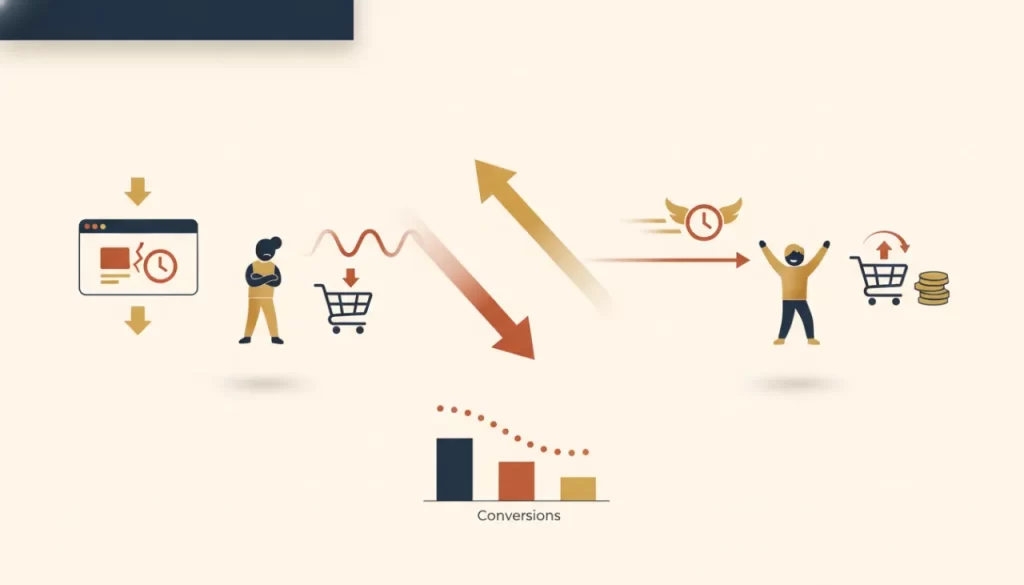
Nobody waits for a slow website anymore. Visitors begin leaving when a page takes more than a few seconds to load — and for mobile users on a 4G connection, that patience is even thinner. For a local Texas service business, a slow website isn’t just a technical nuisance — it’s a direct revenue leak. Visitors who leave before your page loads never see your services, never call your number, and never become customers.
Here’s what you actually need to know about page speed — in plain language, with a focus on what it means for your business.
Core Web Vitals Explained in Plain English
Google measures page experience using a set of metrics called Core Web Vitals. They sound technical, but each one maps directly to a user experience that your visitors feel.
LCP — Largest Contentful Paint
This measures how long it takes for the biggest visible element on your page to load — usually your hero image or headline. Think of it as: how long does a visitor wait before they can see something meaningful? Google targets under 2.5 seconds as a good score. A slow LCP means visitors are staring at a half-loaded page wondering if something’s wrong.
Business impact: High LCP is the most direct driver of high bounce rates. Every second over the threshold means a meaningful percentage of visitors leave before they even know who you are.
CLS — Cumulative Layout Shift
CLS measures how much the page “jumps” as elements load. You’ve experienced this: you go to tap a button and the page shifts and you tap the wrong thing. A good score is under 0.1.
Business impact: High CLS creates frustration and erodes trust — especially when it happens right as someone is trying to take action, like tapping your call button or submitting a form.
INP — Interaction to Next Paint
INP replaced FID in 2024. It measures how quickly the page responds after a user interacts with it — tapping a button, opening a menu, submitting a form. Think of it as: does the site feel snappy or sluggish when you use it?
Business impact: A slow INP makes your site feel unreliable and frustrates users at the exact moment they’re trying to take action — often right before they would have converted.
The Most Common Page Speed Culprits
Unoptimized Images
This is the most common performance killer on small business websites. Uploading a large iPhone photo to your site and displaying it at a smaller size means visitors are downloading a huge file to see a small image. Images should be compressed, resized to display dimensions, and served in modern formats like WebP.
Cheap Shared Hosting
Hosting that costs a few dollars a month is shared among hundreds or thousands of other websites on the same server. When any of them gets traffic, everyone slows down. Quality managed WordPress hosting — like what we include in our care plans — uses fewer sites per server, faster hardware, and built-in caching.
Bloated Page Builders
Some popular WordPress page builders load significant amounts of JavaScript and CSS on every page, even pages that don’t use those features. This adds meaningful weight to every page load. Clean, purpose-built code loads faster.
Too Many Plugins
Every plugin you install on a WordPress site adds code that has to be loaded. A site with 40 active plugins is carrying a lot of overhead. Regular plugin audits are part of keeping a site lean and fast.
Quick Wins You Can Check Today
- Run your site through PageSpeed Insights (free at pagespeed.web.dev). Look at your mobile score — under 50 is a red flag, 90+ is excellent.
- Check your images: if any image file on your site is larger than 200–300KB for a displayed photo, it should be compressed.
- Check your hosting: if you’re on a shared plan that costs under $15/month and you’re having speed issues, the hosting is likely part of the problem.
Speed Is a Conversion Tool
Every performance improvement you make has a downstream effect on real business outcomes. Faster load times mean more visitors see your content, more visitors stay long enough to read your offer, and more visitors take the action you’re asking them to take.
Our website redesign service includes a full performance audit and rebuild on proper infrastructure. Our custom website builds are built for speed from the start. And if you just need ongoing performance management, explore our care plans to see what that looks like.
Frequently asked questions
Does page speed actually affect Google rankings? +
Yes. Google confirmed Core Web Vitals as a ranking factor, and they continue to be part of the page experience signals. For most local businesses, the ranking impact is modest compared to content and links — but in competitive local search, every advantage matters, and speed problems are often the easiest to fix.
How can I test my website’s speed for free? +
Google PageSpeed Insights (pagespeed.web.dev) is the most direct tool — it gives you a score and specific recommendations. GTmetrix provides similar analysis with a slightly different interface. Both are free and give you enough information to understand where your problems are.
My website was fast when it launched but seems slower now. Why? +
Several things degrade site performance over time: accumulated plugins, uncompressed images added by staff, theme and plugin updates that weren’t optimized, and hosting infrastructure that hasn’t kept pace. Regular performance monitoring — included in a good care plan — catches these issues before they become serious.
Is there a speed score I should aim for? +
On Google PageSpeed Insights, aim for 90+ on mobile. Getting to the ‘Good’ zone on all three Core Web Vitals (LCP under 2.5s, CLS under 0.1, INP under 200ms) should be your target. Don’t obsess over a perfect 100 — focus on the actual metrics over the composite score.